Setting up for comfortable PC gaming
Long winter evenings call for a setup that feels good to sit at. These practical tips cover posture, screen position, lighting and healthy breaks.
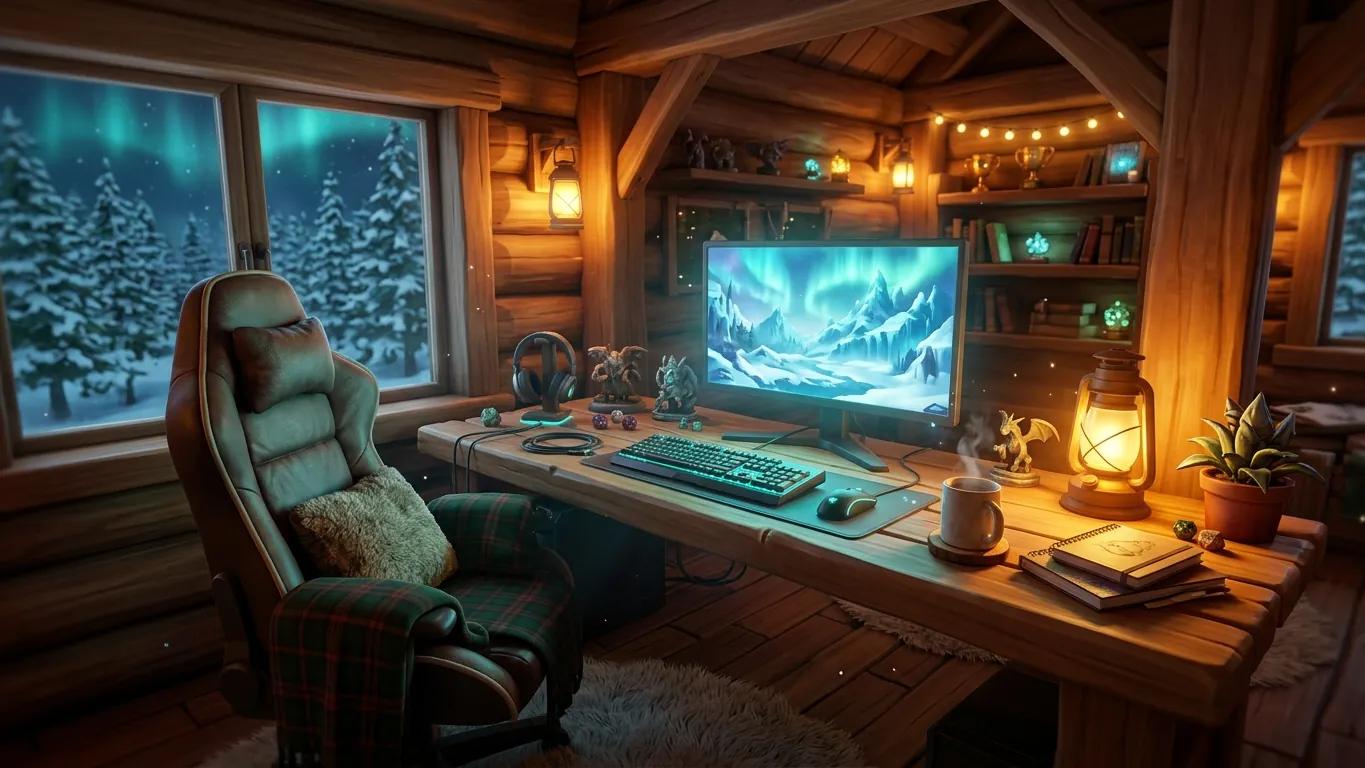
Why comfort matters for PC players
PC gaming often means sitting at a desk for long periods. Strategy campaigns, survival runs and cozy building sessions can easily stretch for hours. A comfortable setup helps you enjoy that time and reduces strain.
You do not need expensive furniture. Small adjustments to what you already have can make a clear difference. The tips below are general comfort suggestions. If you have pain or a health concern, consult a qualified health professional for advice that fits you.
Chair and desk position
Sit with your feet flat on the floor or on a footrest, and your knees roughly level with your hips. Your lower back should be supported, either by the chair or a small cushion.
Keep the keyboard and mouse close enough that your elbows stay near your sides. Reaching forward for long periods tires the shoulders. If your desk is too high, raising the chair and adding a footrest is a simple fix.
Monitor height and distance
Place the monitor about an arm's length away. The top of the screen should sit around eye level or slightly below, so you look a little downward. A stack of sturdy books works if you do not have an adjustable stand.
Center the screen in front of you. Turning your head to one side for hours is uncomfortable. If you use two monitors, keep the main gaming screen directly ahead.
Lighting and sound
Playing in a fully dark room makes the bright screen feel harsher. A soft lamp behind or beside the monitor reduces contrast and can make long sessions more pleasant. Avoid lights that reflect directly on the screen.
For sound, keep headphone volume moderate. Many games let you adjust music, effects and dialogue separately, so you can hear important cues without turning everything up.
Healthy habits during long sessions
Simple routines that make extended play easier.
- 01
Take regular breaks
Stand up, stretch and look away from the screen every so often. Natural pauses like loading screens or the end of an in-game day are good moments.
- 02
Keep water nearby
A drink within reach makes it easier to stay hydrated during a long campaign.
- 03
Adjust controls to your hands
Remap keys and change mouse sensitivity so common actions feel natural instead of awkward.
- 04
Set a stopping point
Decide when you will stop before you start, especially on work nights.
Related articles
 How we build a Canadian top of PC games
See the criteria behind the Rebolat Games Canadian-style top list of PC games, from controls and pacing to replay value, and how to use the list well.
Read more
 Choosing PC games by genre
A plain guide to major PC game genres, from strategy and survival to exploration and cozy builders, with tips on matching a genre to your mood.
Read more
 Reading PC system requirements without the confusion
Learn how to read PC game system requirements, check your processor, graphics card, memory and storage, and decide if a game will run well for you.
Read more